
Identity & endpoint hygiene
Most phishing still tries to steal a password. A more awkward class of campaign does something worse for Mid-Michigan Microsoft 365 shops: it either walks you onto Microsoft's real device-login page with a code someone else started, or it installs the same remote-support tools your IT team already trusts - pointed at a tenant you did not approve.
ANY.RUN researchers tracked that pattern as CSuite (named for the CSuite v1.1 panel at the center of the operation). The Hacker News summarized the same research in late September 2026. Activity was observed from February 2026 through at least September 3, 2026, with a strong United States focus in sandbox telemetry.
The phishing email that installs the same tools your IT team uses is still phishing. Allowlist remote-access tools and their tenants. Treat unexpected device codes on the real Microsoft page as hostile.
What researchers observed
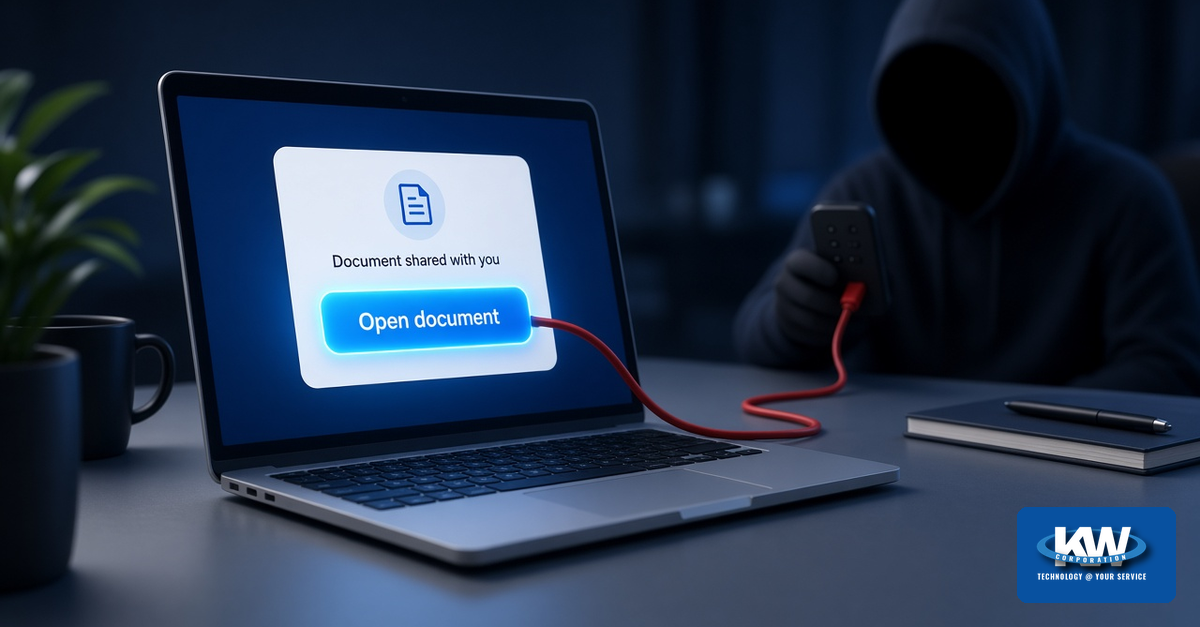
CSuite starts with familiar business lures: fake Adobe, DocuSign, Zoom, SharePoint, Microsoft 365 voicemail, and similar "document shared with you" themes. Victims land on counterfeit viewers or download pages designed to look like everyday workflow.
From there, ANY.RUN describes two main paths. One delivers installers, archives, or short BAT/VBS droppers that install legitimate remote-management or endpoint-management agents - including products such as ScreenConnect, Atera, Action1, Syncro, and PDQ Connect - registered to a tenant the operator controls. Those products are not malware by themselves. The abuse is the unexpected agent pointed at the wrong customer.
The other path targets identity: credential harvesting or device-code phishing. The victim receives a short code and is directed to Microsoft's legitimate device-login page. Entering that code can authorize an attacker-initiated sign-in and hand over access and refresh tokens - without typing a password on a fake Microsoft site.
Why "legitimate tools" make this hard
Security products and helpdesk staff are trained to trust known remote-support brands. When an installer is signed, named like a document viewer, and behaves like the agent your MSP already uses, a quick glance can miss the important detail: which tenant or instance the agent joined.
The Hacker News summary of ANY.RUN's work notes that the campaign can turn one phish into both mailbox compromise and persistent endpoint access. That is the operational headache for small and mid-sized businesses: identity response and rogue-agent cleanup at the same time.

Device code on the real Microsoft page
Staff training often says "check the URL." Device-code phishing breaks that shortcut. ANY.RUN observed lures that copy a verification code and open Microsoft's genuine device-login experience. Everything on that second window can look correct - because it is Microsoft's page. The trap is that someone else started the sign-in and is waiting for your approval.
Microsoft Learn documents device code flow as a higher-risk authentication method that can be abused in phishing. Microsoft recommends blocking device code flow wherever possible, and Conditional Access can target Authentication flows to block it for most users after a report-only review.
What to do
For every employee
- Treat unexpected "document shared" downloads as hostile until IT confirms
- Never enter a verification code on Microsoft's device-login page unless you started that sign-in on a device you control
- If a site gave you the code, stop - report it to IT even if the Microsoft page looks real
- Do not approve UAC prompts for mystery viewers, "updates," or remote-support installs from email
For organizations
- Maintain an approved list of remote-access tools and the exact tenants / instances allowed
- Alert on new RMM / remote-support agents that are not on that list
- In Entra Conditional Access, configure Authentication flows to restrict or block device code flow (report-only first; exclude break-glass accounts)
- Correlate phishing incidents with both mailbox session revocation and endpoint agent inventory
- Document which Teams or conference-room devices (if any) still need device code as a scoped exception
Practical checklist
Publish an approved remote-access tool list that includes product name and tenant / instance identifiers.
Turn on detection or inventory alerts for new remote-support / RMM agents on endpoints.
Create an Entra Conditional Access policy targeting Authentication flows > Device code flow; start in Report-only, exclude break-glass accounts, then enable Block where you do not need the flow.
Train staff: a real Microsoft login page can still be a trap if someone else handed you the code.
On suspected compromise: revoke sessions and tokens, review OAuth grants and mailbox rules, and remove unauthorized management agents.
Put identity alerts and endpoint agent inventory on the same incident playbook - CSuite can hit both in one chain.
Bottom line for Mid-Michigan teams
CSuite shows how a fake document share can become either a stolen Microsoft 365 session or a remote-support agent you never ordered. The tools named in the research are everyday IT products - the risk is the unexpected install and the unexpected tenant. Block device code where you can, allowlist what belongs on your PCs, and teach people that "the Microsoft page looks real" is not enough when they did not start the code.
KW Corporation is part of your team. Our Managed IT practice helps Mid-Michigan and statewide clients keep an eye on which remote-access agents belong on company endpoints, tighten Entra Conditional Access for risky authentication flows, and respond when identity and endpoint alerts show up together.
Ready to inventory remote-access agents?
KW's Managed IT team can help Mid-Michigan organizations allowlist approved tools and tenants, watch for rogue agents, and review Conditional Access for device code flow.
Educational commentary only. See original pages for full methods and guidance:
ANY.RUN - CSuite attack analysis (Sept 22, 2026) - The Hacker News - US-focused CSuite phishing (Sept 30, 2026) - Microsoft Learn - Block authentication flows (device code) - Microsoft Learn - Authentication flows concept
Technology @ Your Service
KW Corporation - 307 W. Grand River Ave, Fowlerville, MI 48836 - 517-223-3610 - support@kw-corp.com